Anthropic Launches Claude Dashboards and Motion: Create Data Visuals and Animations Without Coding
Artificial intelligence is becoming more useful for everyday work. Instead of only answering questions or writing text, AI tools are increasingly helping people turn information into visual content.
On October 8, 2026, Anthropic introduced two new tools for its AI assistant, Claude: Claude Dashboards and Claude Motion. The tools are designed to help users analyze business information, build dashboards, and create animations without needing to write code. Read the original report from Reuters.
The announcement is part of a wider trend in which AI companies are making their assistants more useful for professional tasks, including data analysis and content creation.
What Is Claude Dashboards?
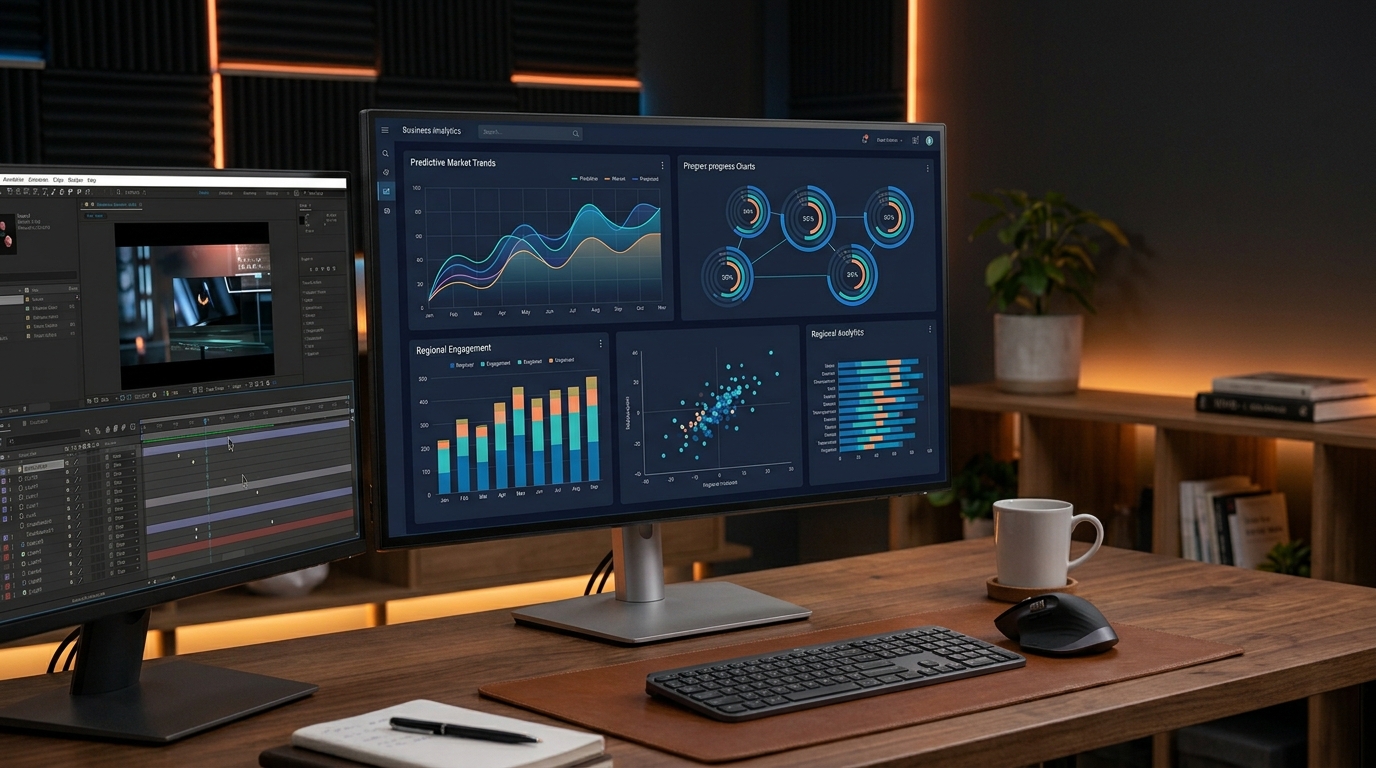
Claude Dashboards is designed to turn business information into visual dashboards and analysis.
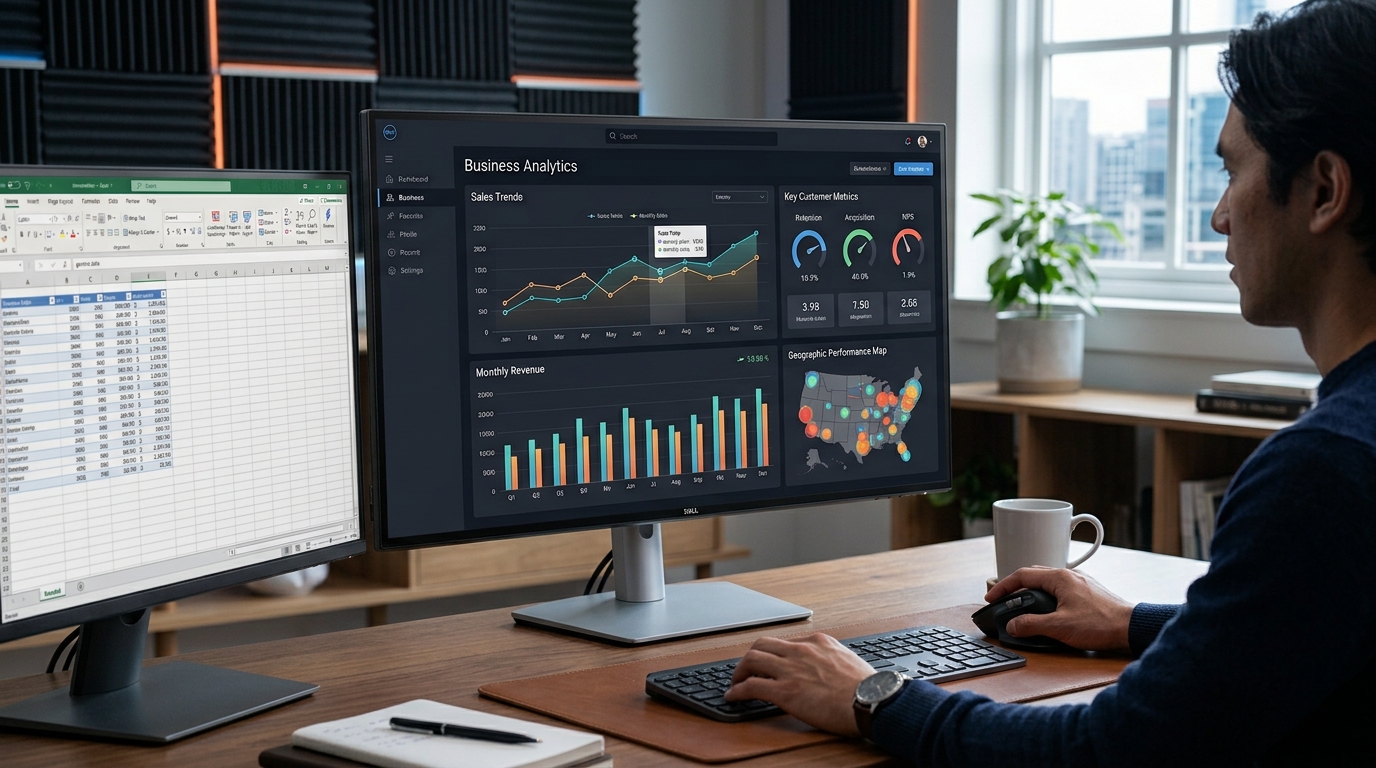
A dashboard is a screen that displays important information in an organized way. It might contain charts, graphs, performance figures, and other data that help people understand what is happening in a business.
For example, imagine that a small online business wants to understand its monthly sales. The owner may have information about orders, revenue, and popular products but find it difficult to identify patterns by looking at a large spreadsheet.
A dashboard can make that information easier to understand.
According to Reuters, Claude Dashboards is available in beta on paid plans and can connect to business data platforms and customer-management systems. Users can request dashboards and analysis using ordinary language rather than writing code.
How Could Claude Dashboards Help Users?
Here are a few examples of tasks a user might want to perform with a connected business dataset:
Sales analysis: Organize sales figures into charts and summaries.
Marketing reports: Review campaign performance and compare results.
Business monitoring: Present important business measurements in one place.
Customer insights: Explore customer-related information stored in connected systems.
These are illustrative use cases, not a claim that every task or data connection is supported.
The main idea is simple: instead of manually building every chart, users can describe the information they want to explore and let AI assist with the process.
What Is Claude Motion?
The second tool, Claude Motion, focuses on animation.
Animations can help explain ideas, present information, and make digital content more engaging. However, creating an animation often requires specialized software and time spent learning how to use it.
Claude Motion is intended to make this process easier.
Reuters reported that the tool allows users to create editable animations and export them as video files. At launch, it was in beta for Team and Enterprise customers. Read the Reuters report.
This could be useful for people who need visual content for presentations, educational material, or business communication.
For example, a teacher might want an animation that explains how a computer network works. A marketing team might need a short animated visual for a presentation. A business analyst might want to present a process in a more engaging format.
AI-assisted animation could help users get started without having to create every element manually.
However, the quality and usefulness of the final result will depend on the task, the instructions, and the editing required.

Claude Is Expanding Beyond Chat
The new tools reflect a broader change in how AI assistants are being developed.
Early AI chatbots were mainly used to answer questions, summarize information, and generate text. Newer tools are increasingly designed to help users complete practical tasks and produce finished work.
A dashboard is more than an explanation of business data. An animation is more than a written description of a visual idea. Both are outputs that users can potentially take into their existing workflows.
Anthropic also made its Claude Docs, Slides, and Design tools generally available across all Claude plans on October 8, according to Reuters. This expands the company's collection of tools for creating professional documents and visual material.
The direction is clear: AI companies want their assistants to support more stages of work, from understanding information to producing useful deliverables.
For users, the important question is whether these features save time and produce results that are accurate and easy to edit.
Who Could Benefit From These Tools?
Claude Dashboards and Claude Motion may be useful to different groups of people.
Small business owners could use dashboard tools to make business figures easier to review.
Students and teachers may benefit from clearer data visualizations and animation-based explanations, depending on access and the available features.
Content creators could find animation tools useful when preparing visual material for educational content or presentations.
Marketing teams may be able to develop more engaging reports and visual assets without relying on a separate specialist for every task.
Data analysts could use AI assistance to explore information and prepare initial visualizations, while still checking calculations and conclusions themselves.
These are potential applications rather than verified performance results. Users should check whether their data sources and intended workflows are supported before relying on the tools.
Are These Tools Free?
Not all the new features have the same availability.
According to Reuters' October 8 report:
Claude Dashboards: Available in beta on paid plans.
Claude Motion: Available in beta for Team and Enterprise customers.
Claude Docs, Slides, and Design: Made generally available across Claude plans.
Availability can change as products develop, so users should confirm current access and plan requirements before starting a project.
Visit the official Claude website to explore the assistant and check the features available to your account.
What Should Users Keep in Mind?
AI-generated dashboards and animations can save time, but they should not be treated as automatically correct.
A dashboard is only as reliable as the underlying data and the way it is interpreted. Users should check important figures, confirm that charts represent the information accurately, and review any conclusions before sharing them.
Animation tools also require human judgment. Users may need to adjust timing, improve the visual design, correct errors, and ensure that the final video communicates the intended message.
Businesses should also consider privacy and permissions before connecting sensitive company or customer information to any AI service.
The best approach is to use AI as a productivity assistant while keeping people responsible for reviewing the final work.
Final Thoughts
Anthropic's launch of Claude Dashboards and Claude Motion on October 8 highlights how AI assistants are moving beyond simple text conversations.
Claude Dashboards is designed to help users explore business information through visual dashboards, while Claude Motion focuses on editable animations and video exports. Both aim to make certain creative and analytical tasks more accessible without requiring users to write code.
The tools could be valuable for businesses, educators, analysts, and content creators, but their real value will depend on the quality of the results, the available integrations, and how well they fit into everyday work.
As AI tools continue to evolve, the biggest benefit may not be simply generating answers faster. It may be helping more people turn their ideas and information into useful, shareable work.