Playground AI in 2026: What You Can Create With Its Latest AI Design Tools
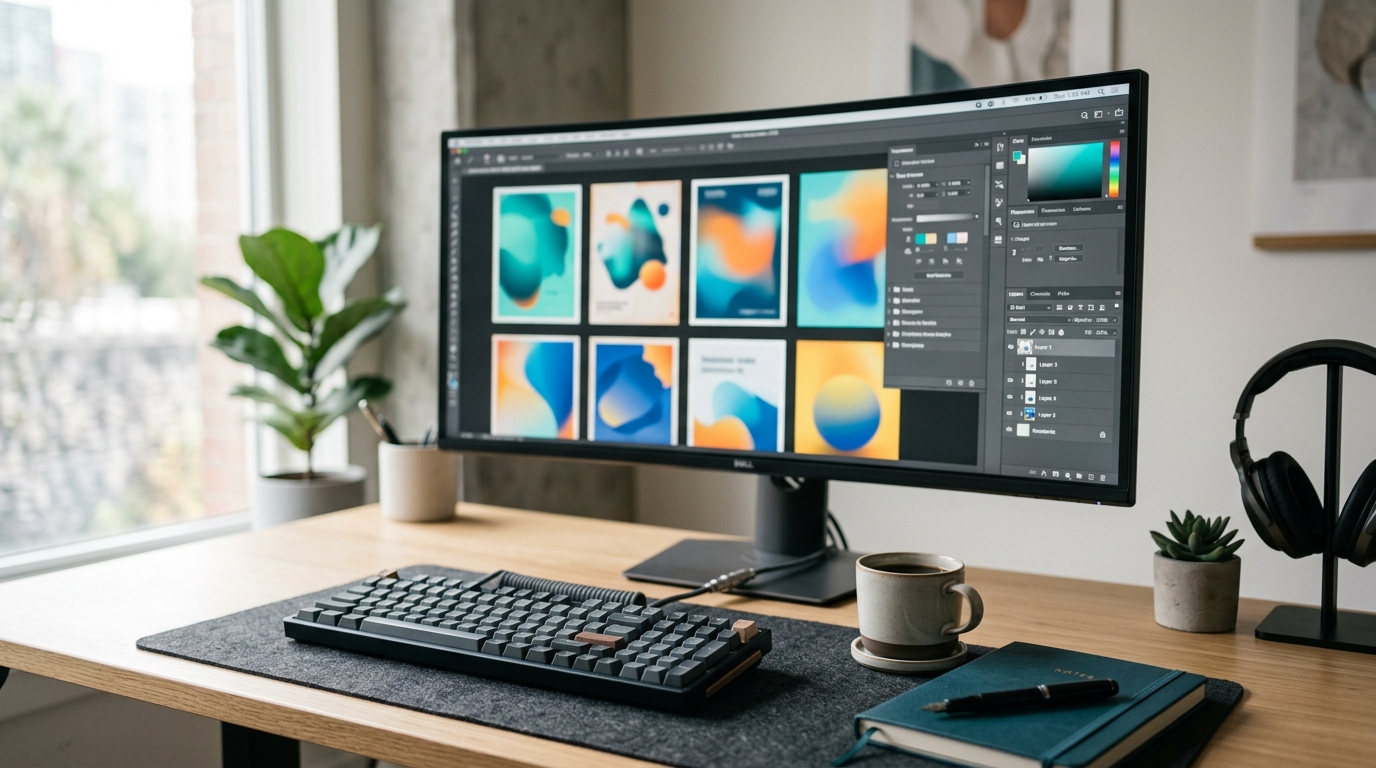
If you remember Playground AI as a place to type a prompt and get a picture, the 2026 version will feel different. It now calls itself an AI design studio, and the focus is on finished graphics: logos, posters, stickers, T-shirts and social posts.
This article covers what the product offers today, based on Playground's own website, blog and help center. Where something is my opinion, I say so.
What Is Playground AI?
Playground is an online AI design tool and AI image generator. Its homepage describes it as an AI design studio for everyone, and says it is used by more than 13 million creators. That figure is Playground's own claim.
A short history helps here. Playground used to run a separate AI art product called Board. The company announced it was closing that product, and its help center confirms that the legacy Board was deprecated in January 2025 and that images made with it are no longer accessible. The current platform is design-first and built around templates.
In December 2025, Playground said a new team had taken over after an acquisition. In its announcement, the team said the product was staying and more updates were coming.
What Can You Create With Playground AI?
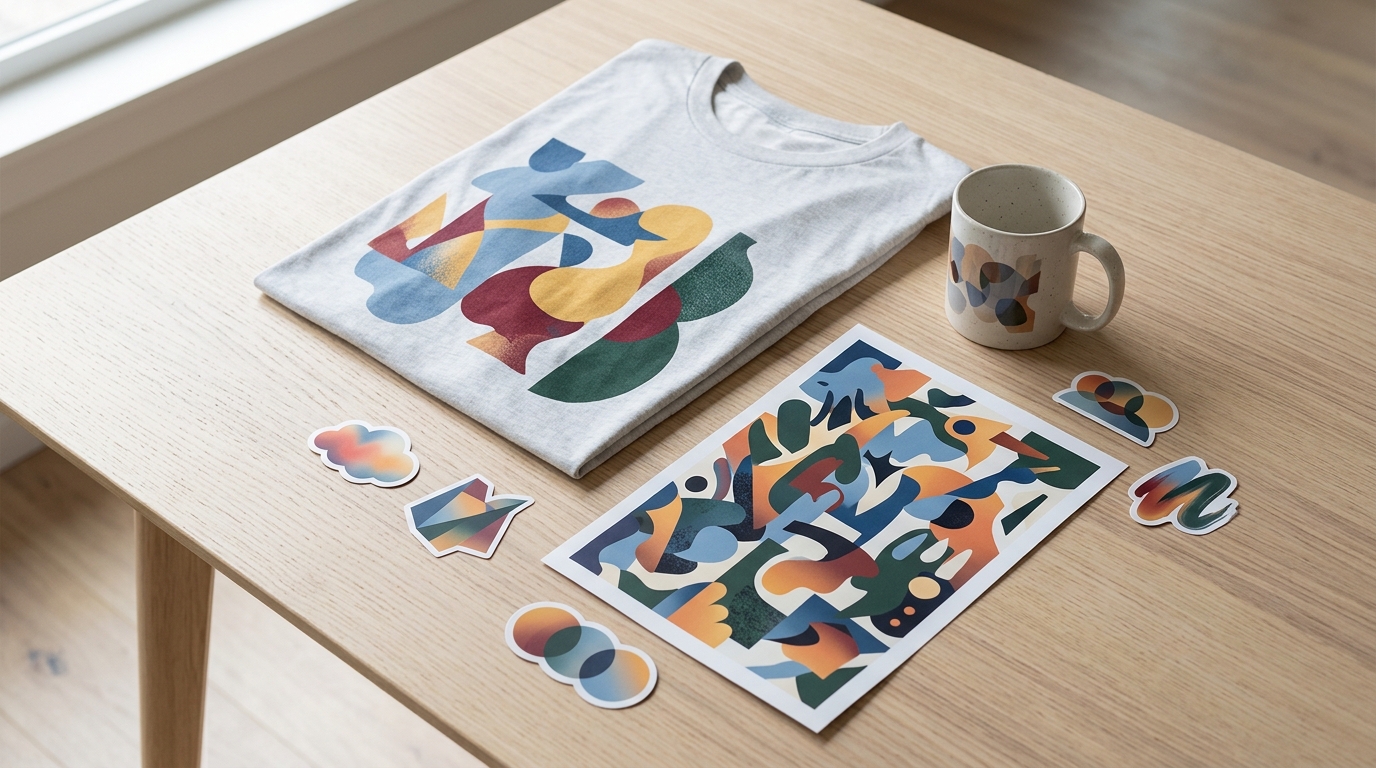
Playground's design page lists 24 categories. They include:
Logos, T-shirts, mugs and hats
Posters, flyers, banners and event signs
Social media posts and Instagram posts
Stickers, cards and invites
Mockups, phone wallpapers and ebook covers
Coloring book pages, cake toppers and seamless patterns
Most categories have a prompt box. According to the help center, text-to-image prompting works in every category except Art, Seamless Patterns, Memes, Phone Case Covers and Spotify Album Covers.
You can also start from a template, begin a blank design, or upload your own image to edit.
Playground AI's Current AI Design Tools
Playground gives you several image models in one place. These are the ones named in its What's New log:
Playground v3, the company's own model, built for graphic design.
GPT Image 2, added in April 2026. Playground says it handles text on posters and logos much better than earlier models.
GPT Image 2.5 Flare and Sunburst, added in September 2026. Playground describes Flare as quick and strong at text and layout, and Sunburst as the most thorough option for complex edits.
Nano Banana, Nano Banana Pro, Seedream and Muse, which are also listed.
There is also an Auto Mode, which picks a model for you based on your plan and what you're making. If you don't want to compare models, that is the easiest place to start.
Playground also offers background removal and upscaling. The help center says both are Pro-plan features, and that Pro Plus includes unlimited use.
Smart Layers and Other Useful Features
Smart Layers is the biggest editing change this year. Playground introduced it in May 2026. The tool splits a design into separate pieces that you can select, move, resize, rotate, rewrite or delete. If you delete an object, the background is filled in.
The Smart Layers blog post adds that you can stack several edits, add a prompt, and have Playground regenerate the design with all of them applied. Pro and Pro Plus users get a one-time set of free applies. After that, each apply costs one credit.
Extract Text, launched in March 2026, turns the text in a flat template into editable layers. It uses credits and usually takes 30 to 60 seconds. Playground says it works best on simple, clean text and struggles with curved or multi-color text.
Fonts grew to about 1,800, according to a March 2026 post. You can search by style or mood.
Other confirmed tools include rich text editing, shape tools, multi-image upload and canvas resizing to one of 10 common aspect ratios.
The new Board
On October 6, 2026, Playground announced a new feature also called Board. It is not the old product, which stays retired.
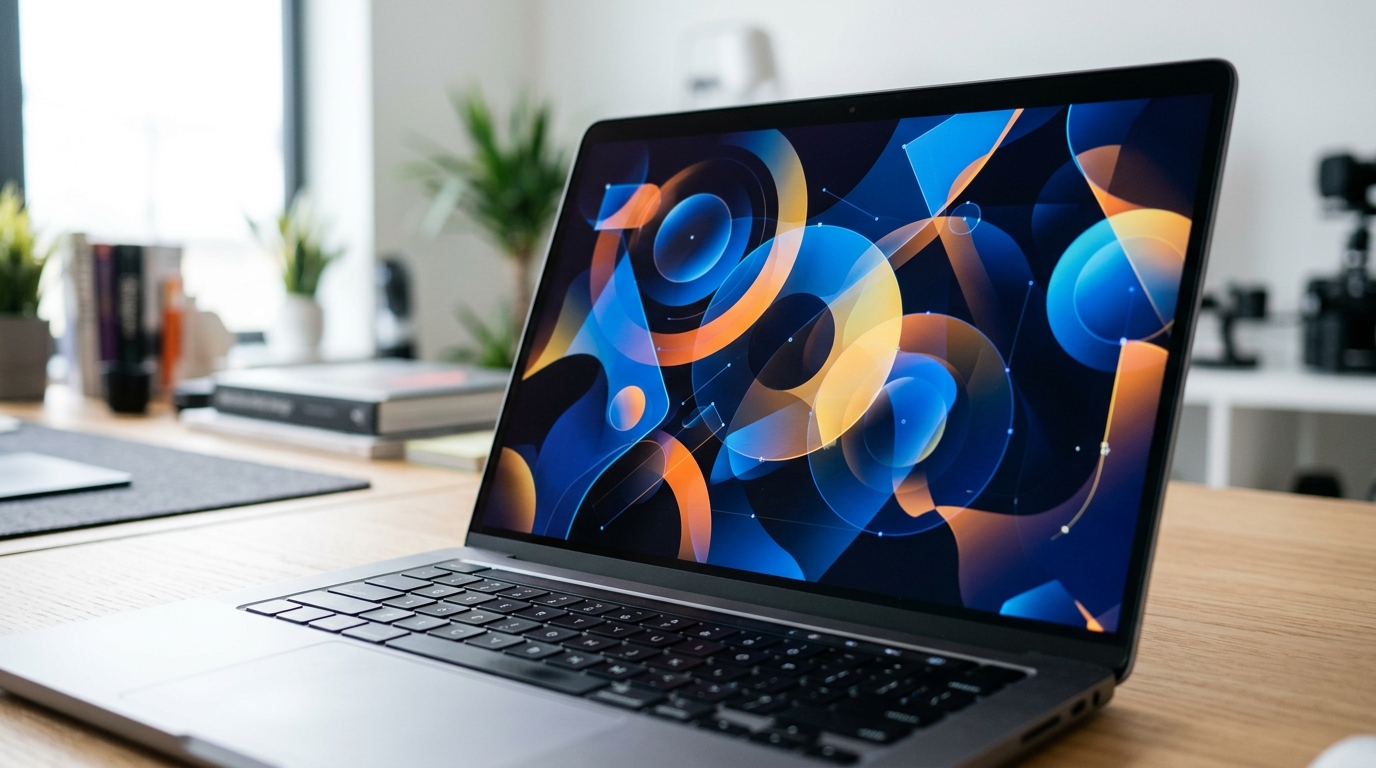
Per the announcement, you write one prompt, choose an aspect ratio, and Board creates up to four designs in the background while you keep working. You can compare them side by side, then pick favorites, remove backgrounds or upscale.
Because it launched only a day before this article was written, I could not find independent testing. Treat the details above as Playground's description.
How Playground AI Can Help Creators
My view: the main benefit is fewer steps. Many AI image tools stop at the image. In Playground, you can generate, fix the text, move a few objects and download from the same screen.
That matters most for creators who aren't trained designers. Changing one word in a logo, or moving a sticker element, no longer means starting over.
The tool also works from a phone. Playground has an iOS app, and in September 2026 it published a guide on connecting Playground to Claude or ChatGPT to create designs from a chat.
Playground AI for Social Media, Marketing and Small Businesses
Playground has dedicated categories for Instagram posts (1:1 and 4:5), ads, flyers and banners. Its newer blog posts focus heavily on print-on-demand, with guides for Etsy sellers and seasonal collections.
A small shop could use it for:
A quick logo draft
Promotional posts in a consistent style
Product mockups on shirts or mugs
Printable pages, such as coloring sheets
I'd call it a fast way to get a first version, not a replacement for a brand designer. Posts about what sells are Playground's own marketing, so treat them as ideas, not proof.
Playground AI vs. Traditional Design Tools
Traditional tools such as Photoshop or Illustrator give you precise control, but they take time to learn. Playground gives you speed and a gentler start, and it creates the artwork for you.
Based on its features, here is how they differ:
Starting point: Playground starts from a prompt or template. Traditional tools start from a blank canvas.
Editing: Smart Layers lets AI separate a finished image into parts. In traditional tools, you build the layers yourself.
Precision: Traditional tools still offer finer control. That is my opinion, not a tested comparison.
For many beginners, Playground is enough. For detailed brand work, you may still want a full design program.
Things to Know Before Using It
Free limits are tight. The help center says the Free plan allows 10 Playground v3 edits every 3 hours and 3 edits per month with OpenAI, Seedream and Nano Banana models. Downloads are capped at 10 designs per day. Playground says these limits can change, so check the pricing page.
Pro-only tools. Background removal and upscaling are not on the Free plan.
Credits matter. Extract Text and Smart Layers use credits after any free allowance.
Prices vary by source. I found conflicting monthly figures, so I'm not quoting one. Check the pricing page.
Commercial use depends on your plan. Read the copyright help article before selling anything.
Some tools are new. Board launched October 6, and Sandbox is listed as "coming soon" with a waitlist.
Results aren't perfect. Playground itself says Extract Text can struggle with complex text.
Final Takeaway
In 2026, Playground AI is best understood as a design tool with AI built in, not just an image generator. Templates, several models, Smart Layers and a large font library make it practical for logos, posters, merch and social posts.
The new Board feature could help with comparing options, but it's too new to judge. If you're curious, start with the Free plan, try Auto Mode, and see whether the limits fit how much you plan to make.


