
Dots vs Muse: What's the Difference and Which One Is Right for You?
Two AI agents launched within three weeks of each other this September. Meta introduced Muse on September 8, 2026, and OpenAI launched dots on September 29. Both are pitched as personal agents that act on your behalf instead of waiting for questions. Both run on their own cloud computers, and both keep working after you close the app.
That overlap is why the Dots vs Muse question keeps coming up. It's also why a careful comparison helps, because the two products share a category but come from companies with different priorities. I've based this article on the official announcements from OpenAI and Meta, plus independent reporting where noted. Both products are only days or weeks old, so details may change.
What Is Dots?
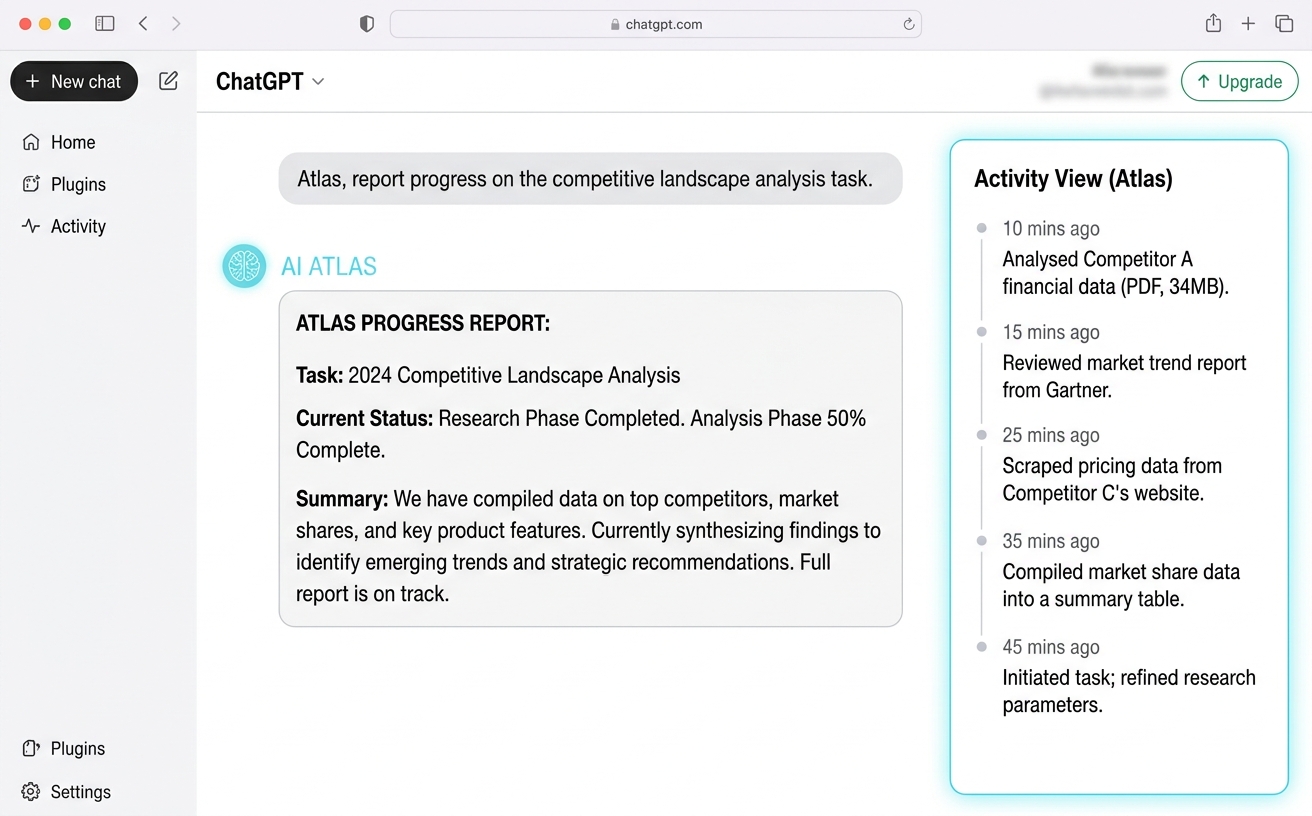
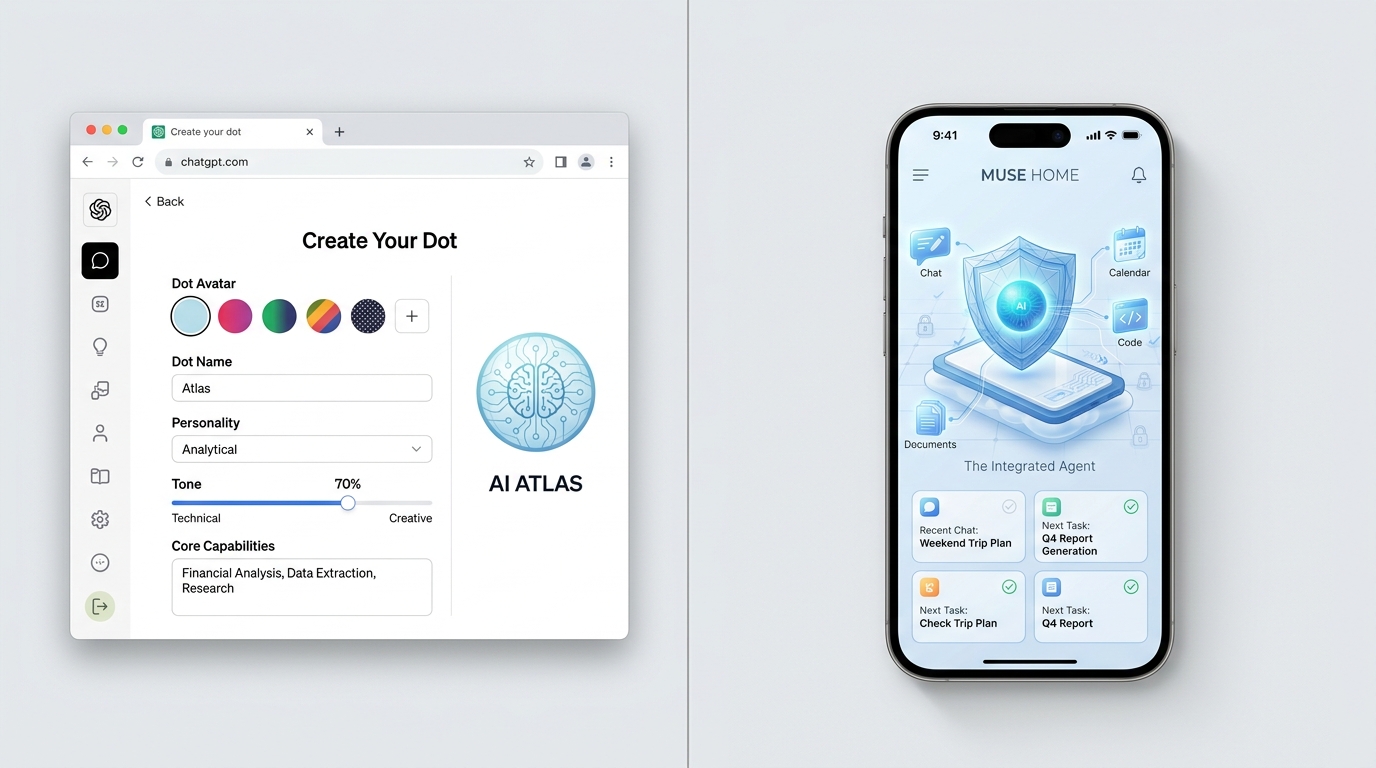
Dots are always-on agents inside ChatGPT. You create a named "dot," and OpenAI says it learns your preferences over time, works toward your goals around the clock, and brings results back for your review. It's powered by GPT‑6 Astra and has its own cloud computer, its own browser, and access to the apps you connect.
You can open your dot's computer at any time to inspect its work. You can also give it permission to use your laptop, but your own computer stays separate unless you choose to connect it.
You reach a dot through ChatGPT on desktop, web, and mobile, or through Slack and Teams. You can also hop on a voice call with it. OpenAI says texting is coming soon. Through its plugin ecosystem, a dot can connect to more than 4,000 apps.
OpenAI's own examples lean toward professional work. A dot can watch customer feedback and prepare tested pull requests for a developer. It can revise launch materials when product scope changes. It can rerun a scientist's analysis when new data arrives, or draft show notes and social posts from an interview transcript.
What Is Muse?
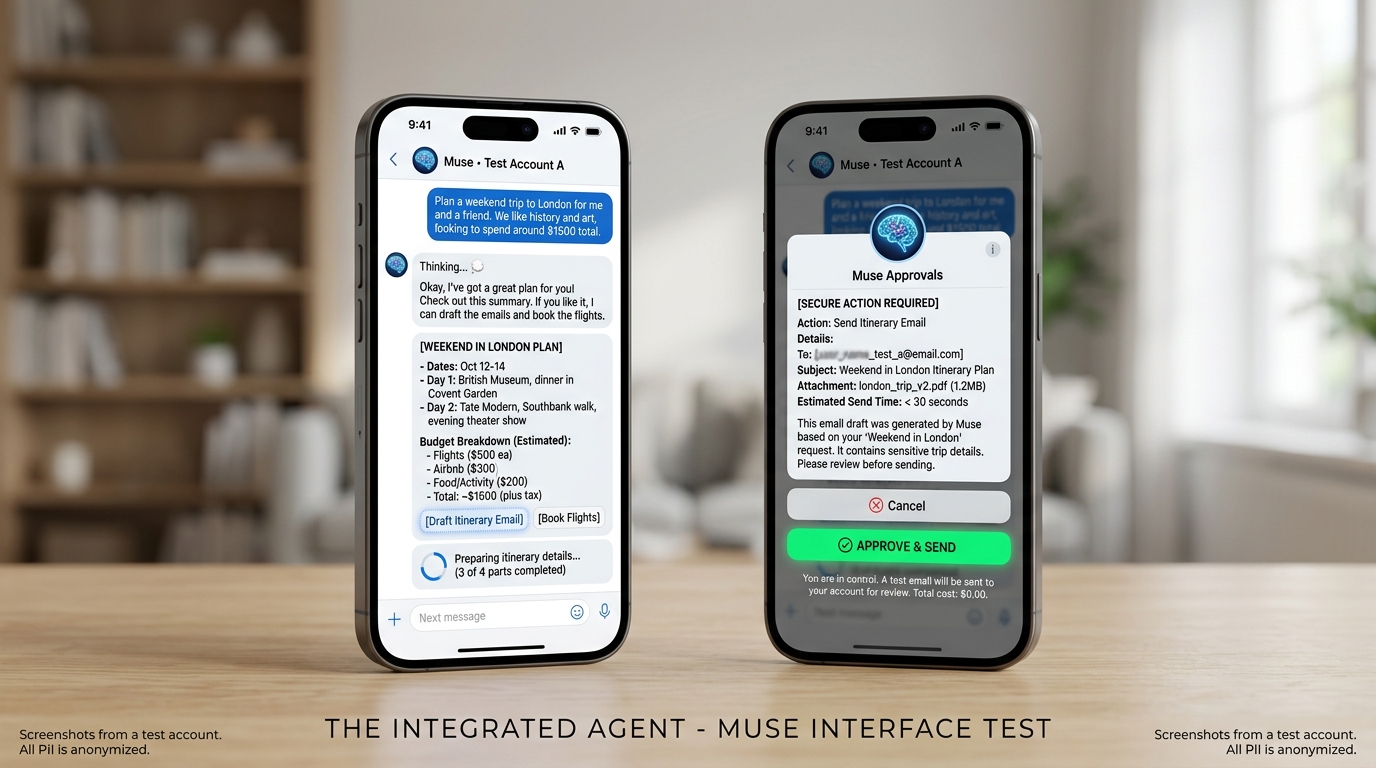
Muse is Meta's personal AI agent. Meta says it doesn't just answer questions but does the work: sending emails, booking travel, and turning long-term goals into action plans. It's powered by Muse Spark, Meta's most capable model to date, and runs on a dedicated cloud environment called Muse Secure VM, with its own browser.
You talk to Muse the way you'd message another person, either in the Muse app or inside WhatsApp. At launch it's available in the US on iOS, Android, and muse.ai, with AI glasses support promised. Meta also says Muse remembers details you mention once, so it can make suggestions unprompted. It might, for example, turn a saved recipe reel into a grocery list.
Since launch, Meta has expanded the product with Muse for Small Business, which adds integrations including Shopify, Dropbox, and Slack.
Dots vs Muse: The Key Differences
Main purpose
Dots are built around ongoing work. OpenAI's pitch is that a dot takes projects off your plate and moves them forward even when you're away. Muse is built around everyday life and goals. Meta's examples include selling a car for more, lowering a bill, and adjusting a training plan as life changes. The two aren't opposites, but their default setting differs: work for Dots, personal tasks for Muse.
Who each is built for
Dots are aimed at professionals and organizations. They're rolling out to ChatGPT Pro, Business Premium, and Enterprise users, and OpenAI is also previewing "specialist dots" that take on defined responsibilities inside companies, such as procurement or invoice processing, with their own identity and access controls.
Muse is aimed at ordinary consumers. Meta says it was built so that "anyone can use it out of the box, no technical experience required." Muse for Small Business extends it to shop owners who want help with sales and operations.
AI capabilities
Both agents use a cloud computer and browser to act on your behalf, so the core idea is the same. The differences are in emphasis. A dot "learns from feedback over time" and can use your laptop alongside you, according to OpenAI. Muse, per Meta, can open a browser, fill out forms, and negotiate for you, and it keeps a memory of what matters to you that you can ask it to forget. Neither company claims perfection. OpenAI states plainly that dots can still make mistakes and that you should review consequential work.
Workflow and user experience
With a dot, you delegate a project, keep adding tasks, and check in through ChatGPT, Slack, or Teams. You can set rules for when it should act alone and when it must ask. Setup currently happens on desktop: OpenAI says to create your first dot in the ChatGPT desktop app or a desktop browser, after which you can message it from mobile.
With Muse, the experience is closer to texting a capable assistant. You describe what you want, and it comes back when something changes or when it needs approval. Because it lives in a phone app and WhatsApp, it fits easily into daily routines.
Safety and privacy
Both companies emphasize control, but they describe the mechanics differently.
Dots: You can set Custom Rules to allow, block, or require approval for specific actions. When you aren't working with it, a dot does "proactive research" using only read-only connections, so it can't send messages or change content. Sensitive tasks, such as changing a password, always stay with you. OpenAI details its approach in its dots safety post.
Muse: A separate Sentinel agent on the same machine must approve anything that leaves the VM. Muse checks with you before sensitive actions such as sending an email or making a purchase, and it shows an audit trail. Meta says Muse can't see your passwords or payment methods and doesn't share conversations with Meta's ad systems. A Confidential VM, encrypted with a key only you hold, is promised later this year.
On trust, TechCrunch pointed out that Muse seeks access to email, calendars, payments, and health services, making it a real test of whether people trust Meta with that much personal data.
Integrations
Dots: over 4,000 apps via OpenAI's plugin ecosystem, plus Slack and Teams. OpenAI is also working with Microsoft to bring specialist dots into Agent 365 for enterprise governance. Muse: built-in connectors you enable one at a time, WhatsApp, and, for businesses, Shopify, Dropbox, and Slack. For payments, Meta says Muse can check out with Link by Stripe, which uses a one-time-use card so your real card details stay hidden.
Pricing and Availability
OpenAI says your first dot is included at no extra cost with ChatGPT Pro and Business Premium, along with an allowance for deeper work and extended limits for the first month after launch. Enterprise, Edu, and Healthcare workspaces can try a beta when an admin enables it. The announcement doesn't list prices, but launch coverage such as Fello AI reports that Pro starts at $100 a month. Dots aren't on the Free or Plus plans at launch, and Pro excludes the EEA, Switzerland, and the UK for now. OpenAI hasn't published the price of additional dots.
Muse has the cheaper entry point. Meta says it's free for most of what people need, with subscriptions for heavier use. Axios reported two paid tiers at $20 and $100 a month, and TechCrunch noted that a payment card is required to get started. Muse is US-only at launch.
Strengths and Limitations
Dots: strengths. Tight integration with ChatGPT, Slack, and Teams. Very broad app connections. Fine-grained rules and an inspectable cloud computer. A clear path to team and enterprise use.
Dots: limitations. It's paid-only, with no free tier. Pro availability is restricted by region. Setup starts on desktop. Pricing for extra dots and long-term usage limits isn't published yet.
Muse: strengths. A free starting point. A messaging-style experience that needs no technical knowledge. Built-in payment protections through Link. A clear privacy design with an audit trail.
Muse: limitations. It's available only in the US at launch. It asks for deep access to personal accounts, which some users will hesitate over. And the early rollout has seen friction. According to Wikipedia's summary of press coverage, Amazon blocked Muse from its retail site on September 21, and 404 Media reported that some calls placed by Muse during beta were completed by human call-centre workers. Treat both as early reports that may change.
Practical Examples
A freelance developer might ask a dot to watch user feedback, scope small bug fixes, build and test them, and bring back pull requests to review, while the developer keeps working on a bigger feature.
A marketing lead could use a dot that knows the brand's voice. When the product scope shifts, it revises launch drafts and flags the changes for approval.
A busy parent could ask Muse to plan a weekend trip, compare options, and ask for approval before booking anything.
A small shop owner could connect Muse to Shopify and Slack through Muse for Small Business and ask it to help with sales and operations.
Do They Solve the Same Problem?
Partly. Both are agents that act, remember, and keep working after you leave. But Dots are shaped around getting professional work done inside tools like ChatGPT, Slack, and Teams, and Muse is shaped around helping individuals run their daily lives from a phone. Plenty of people could try both. If you work inside the ChatGPT ecosystem and have recurring projects, Dots will probably feel more natural. If you want a free, easy-to-start assistant for errands and planning, and you're in the US, Muse may be the easier place to begin.
References
OpenAI, Introducing dots (September 29, 2026)
OpenAI, How we build safety, security, and privacy into dots
Meta, Introducing Muse: The World's First Personal AI Agent Built for Everyone (September 8, 2026)
TechCrunch, Meta debuts its Muse AI agent. Will consumers trust it?
TechCrunch, Meta is expanding its AI agent Muse to small businesses
Fello AI, OpenAI Dots and DevDay 2026 (pricing coverage)
Wikipedia, Muse (AI agent) (summary of press reports)